




- Your cart is empty Our Products
If you are wondering how to build a WordPress website in 2026, it often feels like choosing between two bad options: spending $3,000+ on a custom development agency or spending weeks wrestling with generic free themes that leave you with a sluggish, broken site.
For most small businesses, agencies, and freelancers, neither path is ideal.
The truth is, you don’t need a massive budget or deep coding knowledge to get an agency-grade website online. By pairing modern 1-click web hosting with well-architected, pre-coded templates from CaseThemes, you can launch a fast, high-converting site in an afternoon—without bloated plugins or technical headaches.
(And if you prefer a completely hands-off approach, you can even order a custom-built website directly from CaseThemes to have their expert team handle everything for you).
Whether you are building your first company site or setting up a client project, here is the exact, step-by-step roadmap to get it done right.
How to Build a WordPress Website in 6 Steps
Step 1: Pick the Right Domain & Web Hosting Setup
Think of your domain as your business address, while hosting is the physical land and building where your website assets live.
Getting this combination right from day one saves you dozens of hours of troubleshooting performance bottlenecks later.
1. Choosing a Domain Name That Works

Keep it short, memorable, and clear. Avoid hyphens, numbers, or obscure extensions—stick with a straightforward .com address whenever possible.
2. Hosting Requirements for Modern WordPress Sites
Stay away from $1/month budget shared hosting plans. I have audited dozens of client sites stranded on underpowered shared servers, and no amount of caching plugins could fix their 4-second loading delays.
When purchasing a hosting plan, ensure the provider meets these minimum technical specifications:
- Control Panel: Look for providers offering cPanel, DirectAdmin, or a proprietary dashboard like Hostinger’s hPanel. These panels include one-click auto-installers that handle database configuration automatically.
- PHP Version & Memory Limit: Must support PHP 8.1 or higher with a
memory_limitof at least 256MB (512MB recommended). - Storage Architecture: NVMe SSD storage for rapid file reading and database querying.
- Free SSL Certificate: Included out of the box (Let’s Encrypt or AutoSSL) to ensure your site loads securely over
https://.
The Secret Weapon: Why CaseThemes Templates Give You an Unfair Hosting Advantage
Even if you buy a powerful server, pairing it with a poorly coded or bloated free theme will still choke your memory limit and slow down your site.
This is where choosing a template from the CaseThemes Premium Collection makes a massive difference:
- Low Server Footprint: Unlike bloated multi-purpose themes that require 1GB+ RAM just to import demo data, CaseThemes templates are engineered with clean, modular PHP routines. They run smoothly even on standard 256MB hosting environments.
- Zero Plugin Bloat: Essential features like header/footer builders, cost calculators, and portfolio filters are built directly into the core theme framework. You won’t need to bloat your server with 15 different third-party plugins.
- Instant Demo Import Efficiency: Pre-compiled demo packages mean you can import complete agency layouts in 2 minutes without triggering server timeout errors (
504 Gateway Timeout).
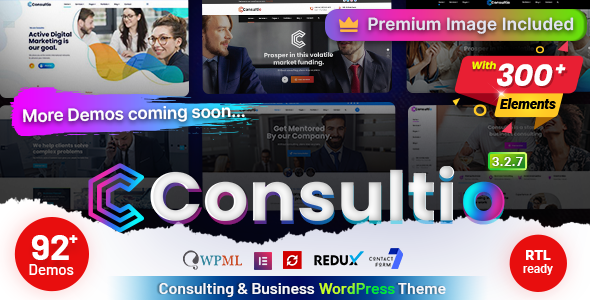
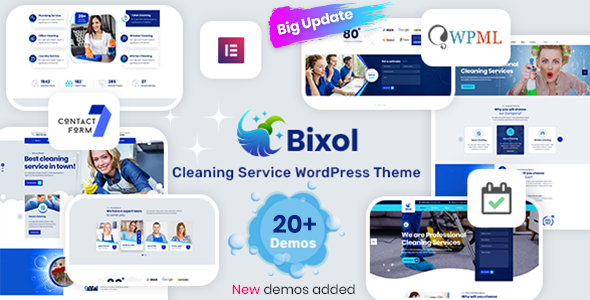
By pairing a solid cPanel/hPanel host with a performance-first theme like Consultio or Bixol from CaseThemes, you guarantee a fast page load speed right out of the box.
Step 2: Install WordPress (Skip the Manual FTP Hassle)
Years ago, setting up WordPress meant firing up FileZilla, creating MySQL databases manually, and tweaking wp-config.php lines.
Forget all that.
Unless you are building custom database routines from scratch, manual installation is a waste of time. Every decent host now features an automated 1-click script.
- Open your hosting dashboard (cPanel, hPanel, or DirectAdmin).
- Click Install WordPress.
- Fill in your site name, admin email, and a strong password.
- Hit Install.
That’s it. Within 60 seconds, your core site is live.
Step 3: Install a High-Converting Premium Theme
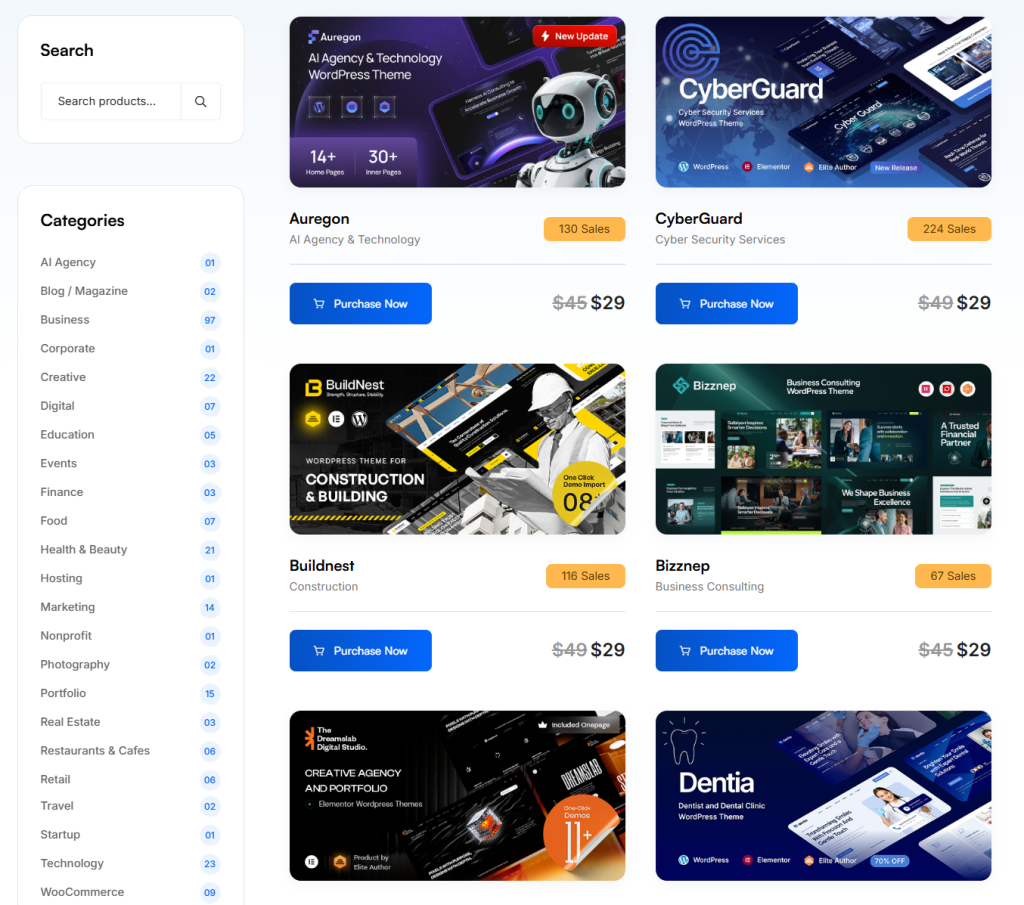
Here is a hard truth I learned after building over 50 client sites: free default themes are a trap for business owners.
Sure, they cost nothing upfront. But by the time you attempt to add custom booking forms, quote calculators, and responsive portfolio grids, you end up bloating your site with 15 different plugins that clash with each other.
Instead, I routinely turn to CaseThemes for business builds.
Why? Because their templates come with built-in header/footer builders, cost calculators, and custom Elementor modules baked straight into the code. No extra plugin bloat required.
Need a Detailed Step-by-Step Installation Guide? You don’t have to guess any technical steps. Every template package comes with full support documentation. You can check the complete official walkthroughs at the CaseThemes Online Documentation Center to see exact video tutorials and setup guides tailored specifically to your chosen theme.
Step 4: Import Demo Content in One Click
Nobody likes staring at a blank canvas.
The main reason I recommend CaseThemes templates to non-techies is their demo importer. Instead of spending hours building pages from scratch, you can pull in the exact design you saw on the live preview with a single click.
- Navigate to the newly added theme tab in your sidebar.
- Click Import Demo Data.
- Select the specific layout matching your niche.
- Hit Import and wait a couple of minutes.
In about two minutes, your site will feature complete sample pages, menus, contact forms, and structured layouts ready for your text.
Prefer Visual Video Tutorials? If you want to see the demo import process in action, check out the video walkthroughs on the official CaseThemes YouTube Channel for visual, step-by-step guidance!
Step 5: Fundamental SEO & Performance Setup
Getting your site online is only half the battle—you also need to ensure search engines like Google can crawl, index, and rank your content effectively.
1. Fix Your Permalink Structure
Go to Settings $\rightarrow$ Permalinks, select Post name, and click save. This changes ugly URLs like yourdomain.com/?p=123 into clean, human-readable addresses like yourdomain.com/about-us.
2. Enable Basic Technical SEO & Caching Practices
- Image Compression: Compress all images to WebP format before uploading to keep your site under 1.5 seconds loading speed.
- Semantic Heading Tags: Keep a clear structure on every page using a single
H1for the title, followed by logicalH2andH3subheadings. - XML Sitemap & Search Console: Submit your sitemap directly to Google Search Console to speed up indexing.
Real-World Performance Test: Understanding Google PageSpeed Scores
If you run a raw test of the main portal at CaseThemes.net on Google PageSpeed Insights, you will see it scores an 85 on Desktop and around 55 on Mobile.
Don’t let that Mobile score fool you! The main portal carries heavy interactive live-demo previews, dynamic JS sliders, and high-res media showcases for hundreds of themes simultaneously.
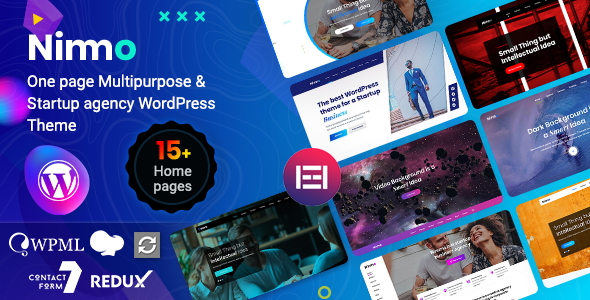
However, when you import a single dedicated theme like Consultio or Nimmo onto a fresh WordPress site, the core code is ultra-clean. By simply applying basic caching (like LiteSpeed or WP Rocket) and image optimization, your Mobile performance score instantly jumps to 90+.
Step 6: Swap in Your Content & Go Live
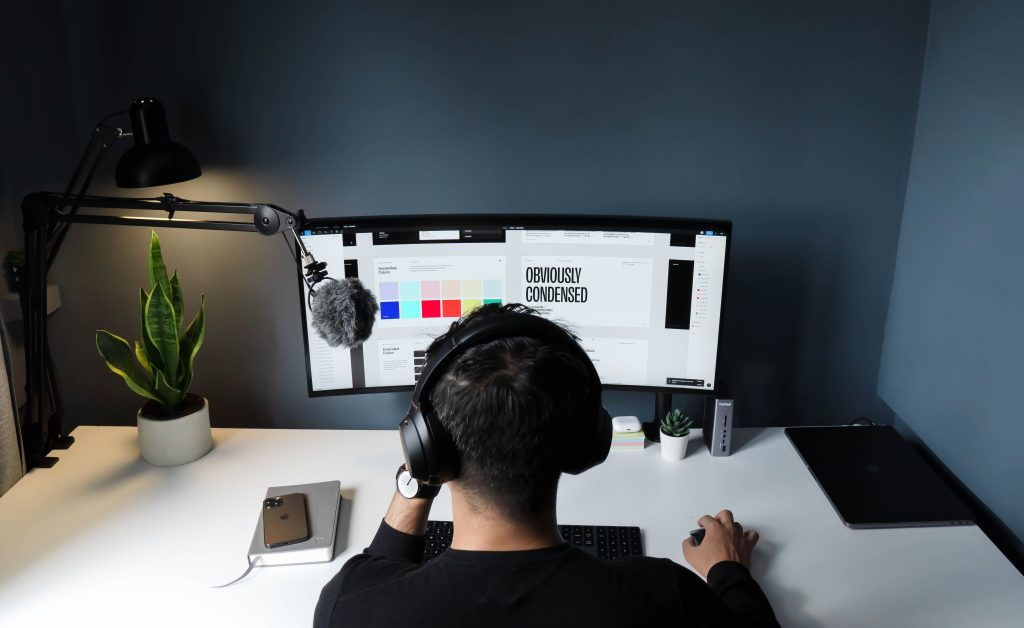
Now comes the fun part: making the site yours.
Since most CaseThemes templates run natively on Elementor, editing pages feels like working with a digital slide deck.
- Open any page (like your Homepage) and click Edit with Elementor at the top bar.
- Click any headline or paragraph to replace the sample text with your own copy.
- Click on images to swap demo placeholders with your actual team or project photos.
- Update button links to point directly to your phone number, contact form, or booking calendar.
- Hit Update.
Short on Time or Need a Custom Layout? If you don’t have time to configure pages yourself or need a fully tailored design built from scratch for your brand, let the experts handle it. You can Order a Custom Website from CaseThemes and get a turnkey, fully optimized site delivered straight to you!
Final Thoughts
You don’t need a degree in computer science or a massive agency budget to launch a site that brings in real business. By combining automated hosting with a well-coded template from CaseThemes, you can build a site you are genuinely proud of before the day is over.
Ready to get started on your website journey?
- Browse Premium WordPress Themes at CaseThemes.net (For DIY Builders)
- Order a Turnkey Custom Website from CaseThemes (For Hands-Off Done-For-You Service)